If you are like me, you probably panicked when you saw this on your iPhone just now.
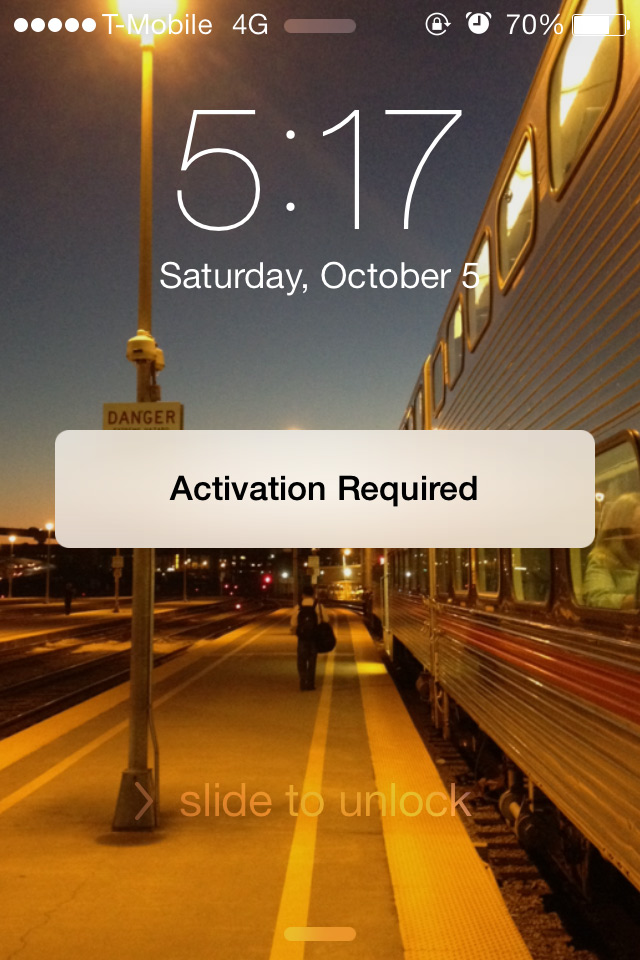
Don’t panic! Here is the fix:
- Update to the latest version of iTunes
- Download the iOS 7 public release (check below for the download links)
- Connect your iPhone to your computer
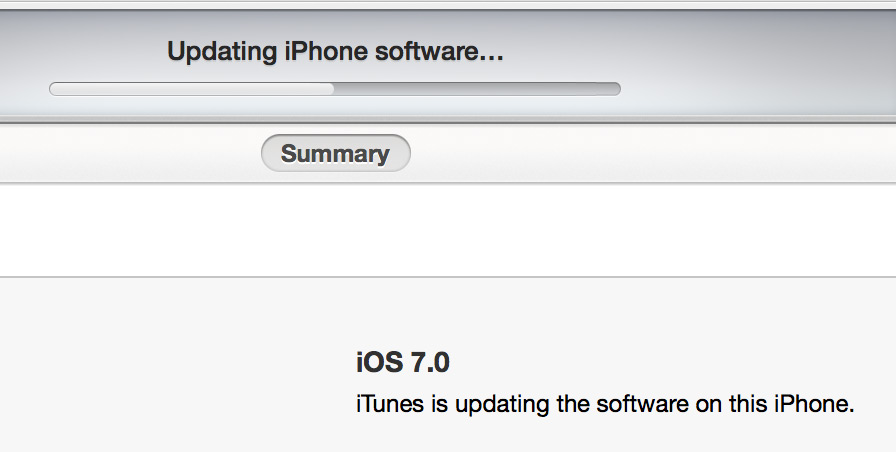
- Open iTunes and open the iPhone tab
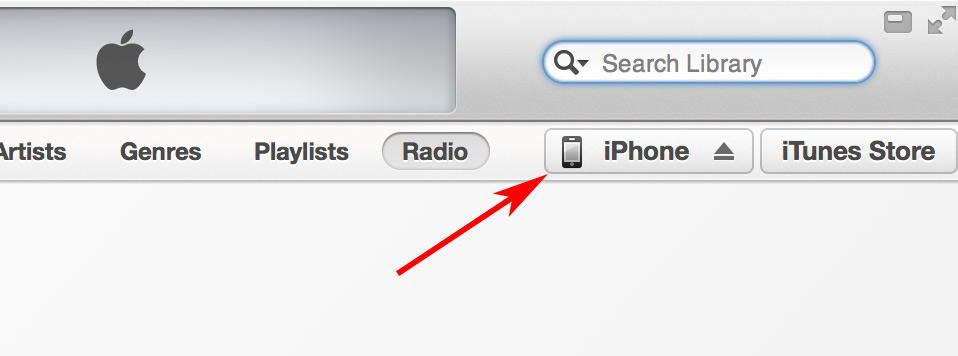
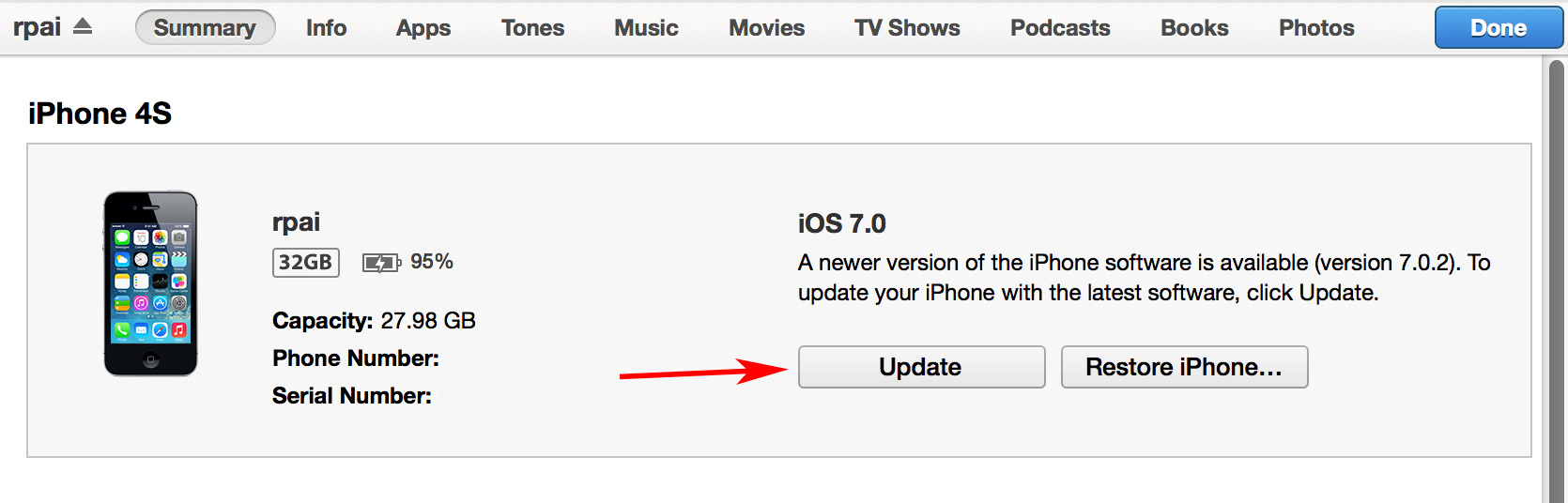
- Click the “Check for Update” button while holding down the option (Mac) or shift (Windows) key
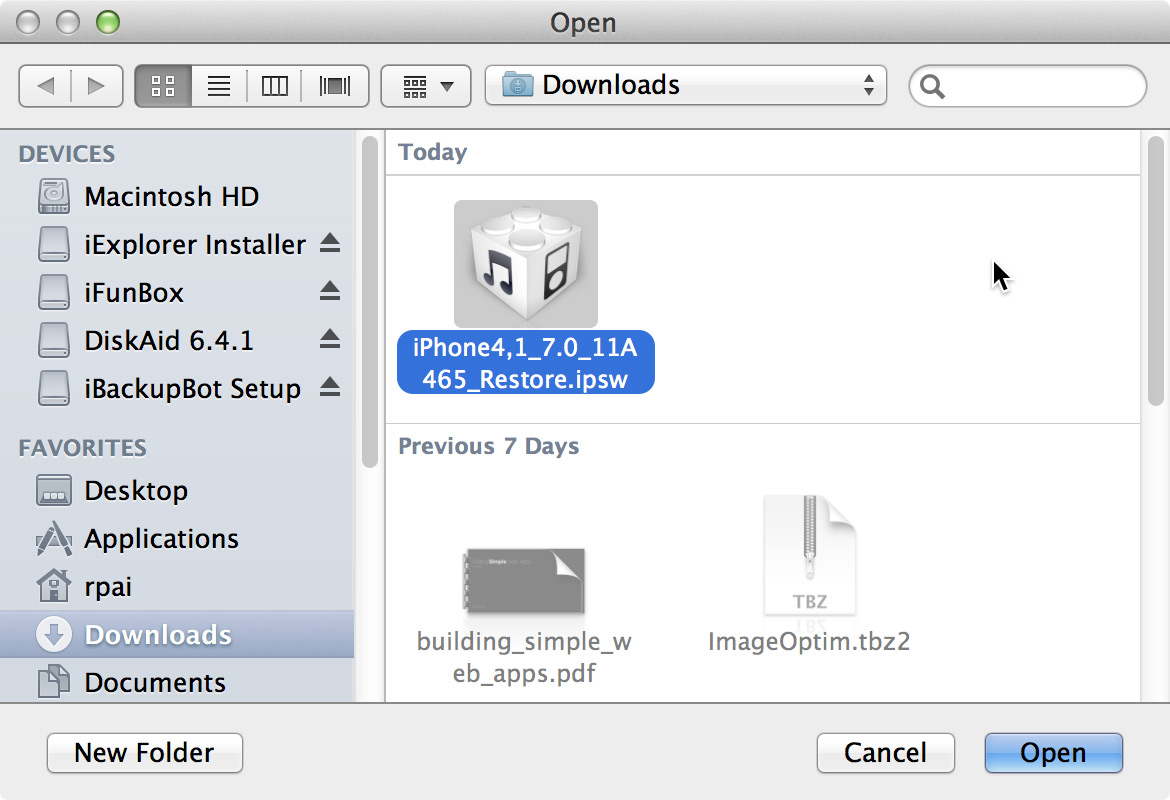
- Select the firmware you just downloaded (you can see in the screenshot that I’ve tried many ways to backup my iPhone in panic)
- Stop panicking
List of iOS 7 public releases:
iPhone 4 GSM
iPhone 4 CDMA
iPhone 4S
iPhone 5 GSM
iPhone 5 CDMA
iPad 2 Wi-Fi
iPad 2 GSM
iPad 2 CDMA
iPad 2 New
iPad 3 Wi-Fi
iPad 3 CDMA
iPad 3 GSM
iPad 4 Wi-Fi
iPad 4 GSM
iPad 4 CDMA
iPad mini Wi-Fi
iPad mini GSM
iPad mini CDMA
iPod Touch (5th Gen.)
Glossary:
- GSM: AT&T / T-Mobile
- CDMA: Verizon / Sprint
- iPad 3: “The New iPad” with Retina Display
- iPad 4: “The New iPad” with Retina Display and Lightning Plug